Sell CSA Shares Before Buying Software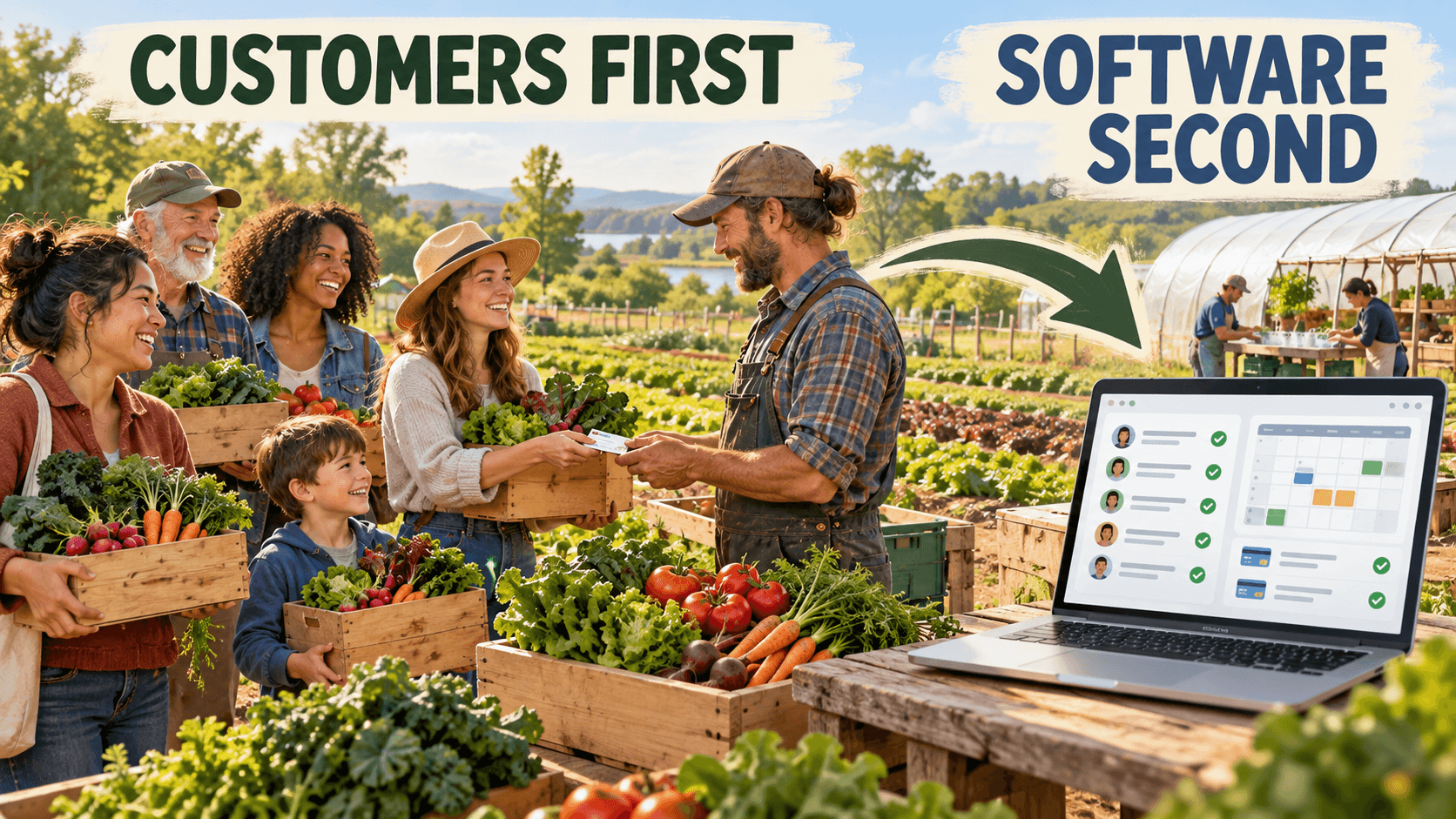 Find the customers, collect the deposits and prove the CSA model; then choose the software. Find the customers, collect the deposits and prove the CSA model; then choose the software.So, you’re a new market gardener comparing CSA software. The platforms look impressive. They can collect payments, manage vacation holds, customize boxes, send emails and produce packing lists. No question, they are powerful tools. There’s just one small problem: nobody has bought a share yet. CSA management software can save a successful farm a lot of time. What it can’t do is convince local families to trust you with hundreds of dollars before you plant the first seed. So where to start? The Short Answer In other words, sell the CSA shares first and buy the software second. Your First Problem Isn’t Managing the CSA
When we started the CSA at New Terra Farm, our first job wasn’t to find the perfect computer system. We needed customers who were willing to subscribe and pay us before the growing season began. That early money helped pay for seeds and other startup expenses. Just as important, those first members proved that our idea had a chance of working. We knew who we were growing for before we planted a field full of vegetables and started wondering who might buy them. A new grower has a few basic questions to answer:
Software won’t answer those questions. You need to get in front of potential customers. Building an online store feels like progress. But those customer conversations are where we discover whether our CSA offer makes sense. Do people want a small share or a family share? Is Thursday pickup convenient? Does a 20-week season sound too long? Is the total price causing hesitation? Would a deposit followed by monthly payments make joining easier? Get those answers first. Then choose software that fits the CSA your customers actually want. Keep the First CSA Offer Simple
Before you go shopping for software, write a founding-member offer that you can explain in about a minute. It might sound like this: "Join our first 20-week CSA season and receive a box of freshly harvested vegetables every Thursday from June through October. Membership is $500, or you can pay a $150 deposit followed by five monthly payments of $70. Pickup is at the farm between 4:00 and 7:00 p.m." That tells people what they get, how long the season runs, where they pick up and what it costs. If we can’t explain the CSA that clearly, adding software probably won’t help. In fact, the software might tempt you to add options that a small startup farm doesn’t need. Too many share sizes, too many pickup locations, unlimited substitutions and boxes that every member can redesign will quickly lead you to chaos when harvest day arrives. You can read more about a flexible CSA here. Suddenly you aren’t just packing 30 vegetable boxes. You’re packing 30 different vegetable boxes, checking substitution requests, sorting pickup locations and trying to remember who skipped this week. For the first season, one or two share sizes and one dependable pickup location may be plenty. We can add carefully controlled flexibility once customers show us which options they truly value. 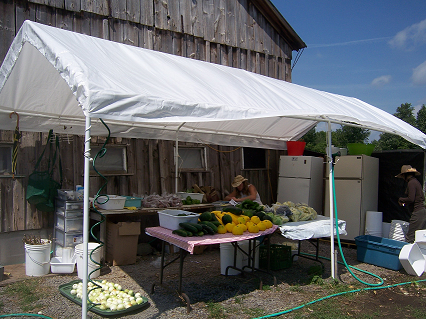 Too much choice can cause chaos at the packing shed Too much choice can cause chaos at the packing shedYou Can Sell the First Shares With Simple Tools
A founding CSA doesn’t require an elaborate management system. In many cases, we can get started with:
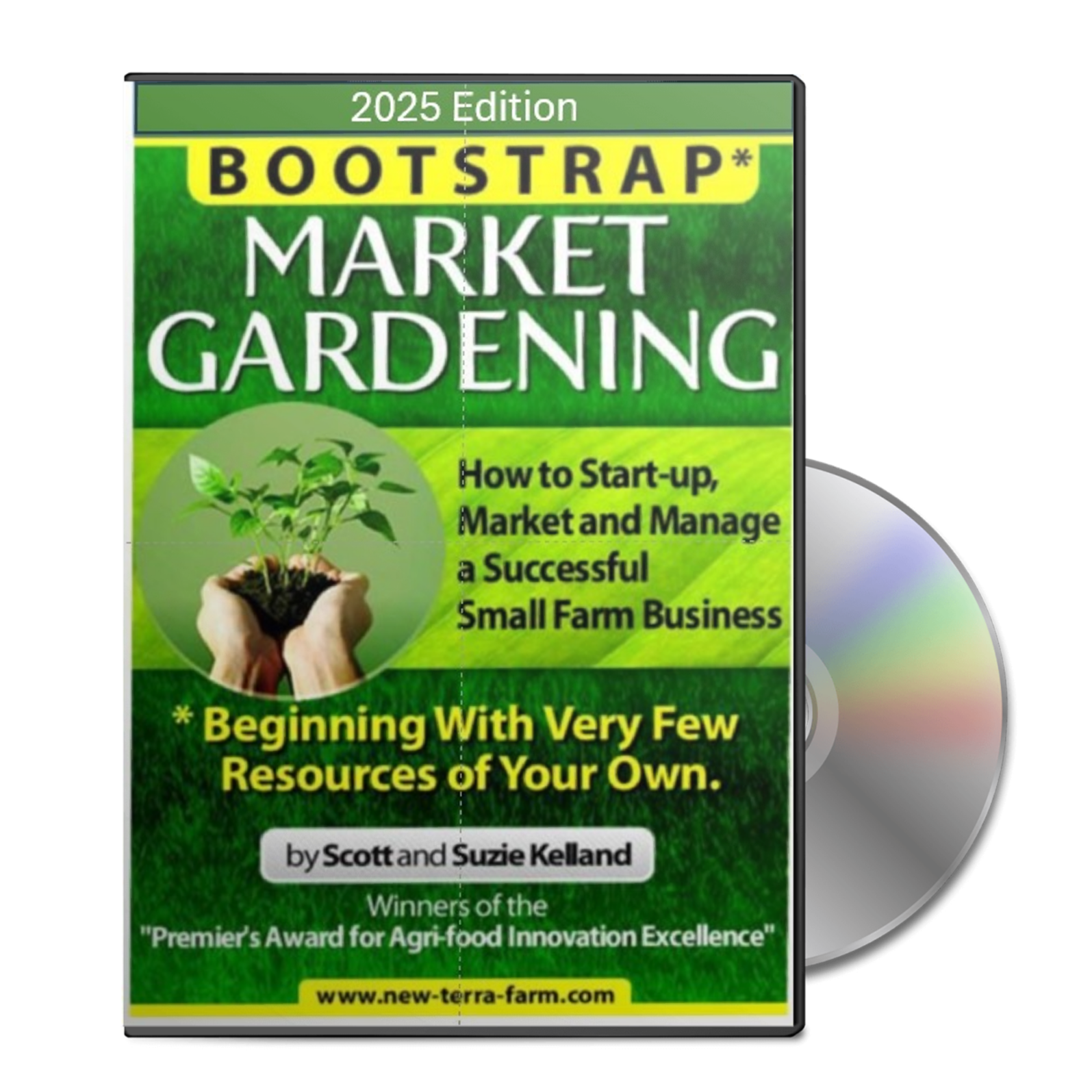
Your spreadsheet can record each member’s name, email address, telephone number, share size, pickup location, deposit, balance owing and payment dates. Not as exciting as an on-line storefront, but a spreadsheet managing 15 paying members is more valuable than a sophisticated software account managing nobody. The important word here is paying. Likes, encouraging comments and survey responses are useful, but they aren’t CSA sales. A deposit separates “That sounds like a lovely idea” from “Yes, please grow vegetables for me.” At New Terra Farm, the CSA model allowed us to line up customers and collect their money before the season. That reduced our risk and gave us a production target. Instead of planting vegetables and hoping someone would buy them later, we planted for a known number of weekly shares. 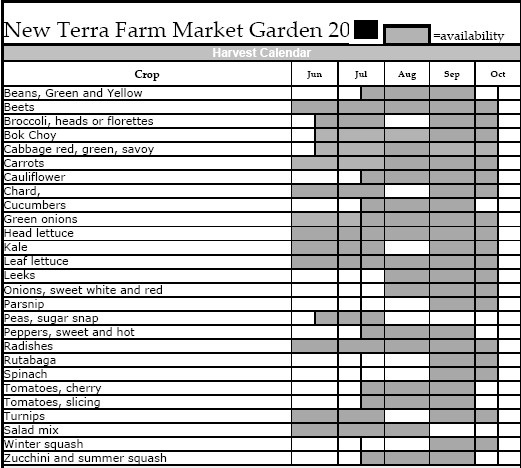 This is from a flyer I put in front of customers to show what they would receive This is from a flyer I put in front of customers to show what they would receiveWe didn’t need sophisticated software to show customers what they were buying. This simple harvest schedule made the offer tangible and helped turn an unfamiliar CSA idea into something families could picture receiving each week. Want the Complete Bootstrap Market Garden System?Selling the shares is only the beginning. Bootstrap Market Gardening shows you how to set sales targets, find customers, choose profitable crops, price your products and plan production around what you can realistically sell. SEE WHAT’S INCLUDED →So, What Does CSA Software Actually Do?
Once the CSA grows, the paperwork grows along with it. Payments arrive on different dates. One customer wants to change pickup locations. Another is away next week. Someone adds eggs to an order. Someone else says they paid, but your spreadsheet says they didn’t. This is when CSA management software can start earning its keep.
Note: These examples are not rankings or endorsements, and I am not an affiliate. Features and prices can change. Request a demonstration based on the way your own CSA will operate before choosing a platform. These aren’t rankings or endorsements, and I’m not an affiliate. Features and prices change, and each platform approaches CSA management a little differently. Find the one that fits the farm you actually operate, not the farming empire you imagine running five years from now. When Have You Outgrown the Spreadsheet?
This isn’t strictly a matter of membership numbers. A farm delivering 20 customized shares to five pickup locations may have more administrative work than a farm packing 50 identical boxes for pickup at the farm. Software becomes worthwhile when it solves a real, recurring and reasonably expensive problem. Put a value on the time you’re losing. Suppose administration takes five hours every week and suitable software could reduce it to two. That may be a sensible investment. If you spend only half an hour updating a spreadsheet once a week, a full-featured platform may be another monthly cost that could be better spent elsewhere. Do I Need CSA Software Yet?Member numbers matter, but complexity matters more. Use this quick test before adding another monthly expense. A Spreadsheet May Be Enough If:
It May Be Time to Upgrade If:
The practical rule: Buy CSA software when it solves a recurring problem that costs more in time, errors and lost sales than the software costs. Don’t buy it just for the cool appeal. Choose Software for the Way You Sell
Before booking software demonstrations, be clear on how your CSA will operate. Will every member receive the same box? Will you allow a few substitutions? Will members build their own boxes? Will they pay for the season upfront, make monthly payments or pay each week? Can they skip deliveries? Will you offer home delivery, one pickup location or several? Do you plan to sell eggs, bread, meat or extra vegetables as add-ons? If you also sell wholesale, at a farm stand or through an online store, do you want one system to manage all those sales? Once you know what you need, comparing platforms becomes much easier. Ask about monthly charges, transaction fees, Canadian payment support (for my compatriots), refunds, failed payments and customer support. Find out whether you can export your customer and sales data. Ask what happens to that information if you stop using the platform. Most importantly, request a demonstration based on your CSA, not a generic demonstration built around somebody else’s farm. Show the provider how your Thursday harvest, packing and pickup day works. Then ask the company to show you exactly how its system would handle it. Don’t Let Software Create More Work
Box customization is a good example. Customers generally like having choices. The farmer may like the idea too... right up until packing day. Every choice has to make its way from the online order to the harvest list, through washing and packing, into the correct box and finally to the proper pickup location. Software can organize complexity. It can’t make the extra work disappear. If you offer flexibility, put sensible boundaries around it. Perhaps members can choose between two share sizes, take two vacation holds or swap from a short list of vegetables. That may give customers most of the flexibility they want without turning the packing shed into an escape-room challenge. Remember What Actually Sells a CSA Share
Good software can make joining and paying easier. It can send reminders and help members manage their accounts. But it doesn’t replace the human side of selling. People join a CSA because they want fresh food and a closer connection with the person growing it. They want confidence that the weekly vegetables will be there. They want to know where the food comes from and why your farm is worth supporting. Show them the farm. Introduce the growers. Explain what they can expect in the box. Share photographs of the beds, harvest and wash station. And don’t be afraid to show the occasional farming mishap. A muddy farmer wrestling with row cover is usually more believable than one more perfect tomato photograph. The signup button is only the final step. Trust makes people press it. Follow the 'Bootstrap Order'
For a new market gardener, the practical order of tasks looks like this: First, set some targets for customer acquisition and sales. Then, find that small group of likely customers. Create a clear seasonal offer and show them what they’ll receive. Collect deposits before making a large production commitment. Manage the first members with simple tools. Keep track of where administration takes time or causes mistakes. Then, if your operation warrants it, choose software that solves those particular problems. That approach isn’t as exciting as launching a beautiful online farm store before planting the first seed, but it’s a lot less risky. The purpose of CSA software is to manage customers efficiently. That means first, we need customers. Sell the shares. Collect the deposits. Prove the model. Then buy the software that helps your working farm run better. That’s the bootstrap way.
Planning, Marketing, Management, THEN ProductionBuild the Plan Before You Build the FarmA successful CSA needs committed customers, profitable crops and a production system you can actually manage. Bootstrap Market Gardening gives you a practical, step-by-step system for planning, marketing and running a small CSA market garden—without spending a fortune to get started. GET BOOTSTRAP MARKET GARDENINGComplete digital guide, workbooks, planning spreadsheets and 60-Day CSA Launch Checklist. Learn More About CSAA flexible CSA is only one part of the business. These practical guides will help you build the offer, set your price and find the members needed to make it work.
Understand the CSA Model
Learn how advance subscriptions benefit both the grower and the customer—and why CSA is such a useful model for a small farm.
Explore Community Supported Agriculture →
Check Your CSA Plan
Review the 15 essential elements of a successful CSA, including agreements, crop planning, pricing and member communication.
Use the CSA Program Checklist →
Find Your CSA Members
Use practical CSA marketing ideas to explain the value of membership, build trust and sell your available shares.
See the CSA Marketing Ideas →
Set a Price That Pays
Work through the costs and pricing decisions needed to avoid running a busy CSA that produces very little profit.
Learn How to Price Farm Products →
|
- Home
- Sell CSA Shares First
Thinking About Starting a Market Garden?
Get the free Market Garden Starter Guide from award-winning New Terra Farm and learn how to start small, control costs and build toward real farm income.
- Learn the practical basics of starting a small market garden
- Avoid wasting money on unnecessary equipment
- Focus on crops, customers and decisions that matter
Practical advice based on more than 20 years of New Terra Farm experience.
